Camera Lens Guide
Omniscient Mounted works with prime and zoom lenses, including anamorphic lenses and lenses with high distortion. A zoom lens is compatible; a zoom lock is not required. Disable lens and in-body stabilization before calibration and capture.
Using a zoom lens with the current workflow:
- Choose the focal length you want to shoot at and calibrate at that setting.
- Keep that focal length throughout the take. Do not zoom while recording.
- Calibrate separately for each focal length you want to use. For example, shooting at 24 mm and 50 mm requires a calibration at 24 mm and another at 50 mm.
This is the current workflow, with improvements planned to make it simpler. The lens cards below describe setup guidance; you can also use lenses that are not listed here.
13 lenses
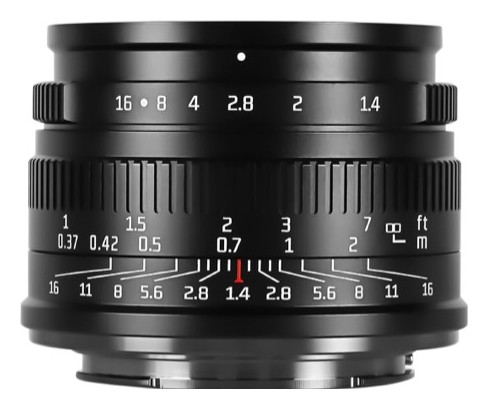
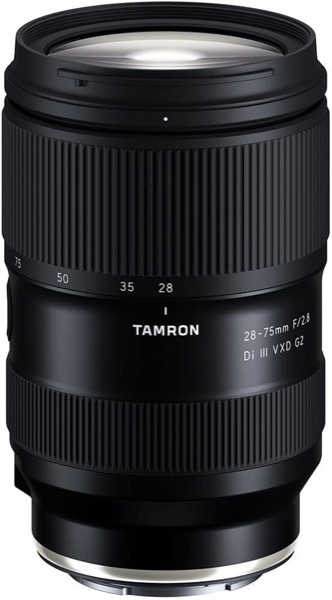
Tamron 28-75mm F/2.8 Di III VXD G2
✓No lens stabilizationNo VC optical stabilizer. Disable in-body stabilization separately.
iZoom: calibrate for each focal lengthZoom lenses are compatible. With the current workflow, calibrate separately for each focal length you want to use, then keep that focal length throughout the take. Do not zoom while recording. A zoom lock is not required.
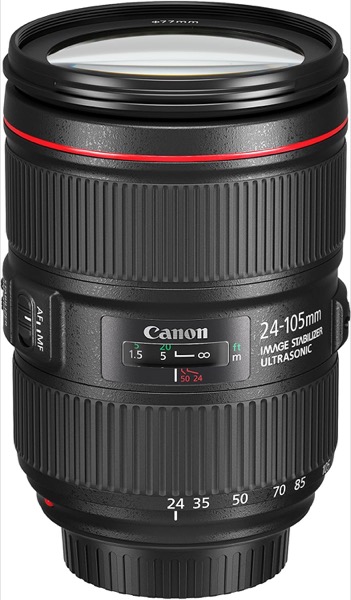
Canon EF 24-105mm f/4L IS USM
✓Lens stabilization can be disabledTurn the STABILIZER switch on the lens to OFF.
iZoom: calibrate for each focal lengthZoom lenses are compatible. With the current workflow, calibrate separately for each focal length you want to use, then keep that focal length throughout the take. Do not zoom while recording. A zoom lock is not required.
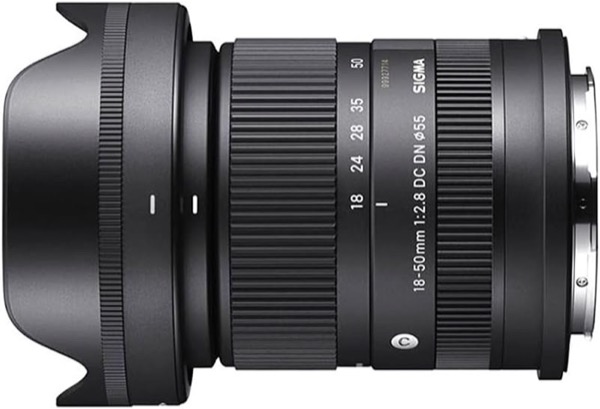
Sigma 18-50mm F2.8 DC DN | Contemporary
✓No lens stabilizationNo optical stabilizer. Disable in-body stabilization separately.
iZoom: calibrate for each focal lengthZoom lenses are compatible. With the current workflow, calibrate separately for each focal length you want to use, then keep that focal length throughout the take. Do not zoom while recording. A zoom lock is not required.
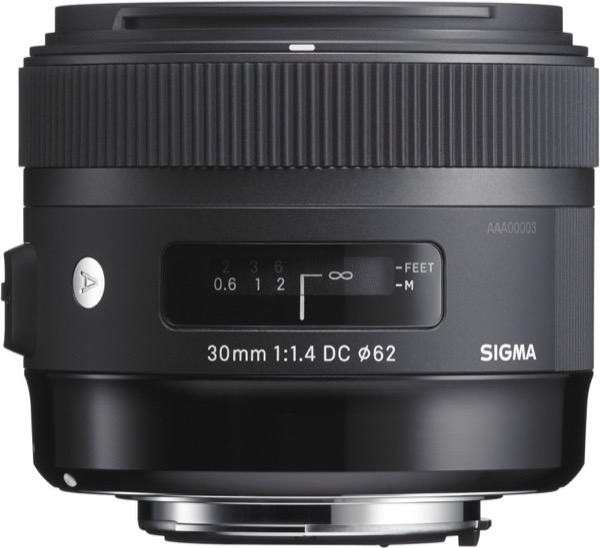
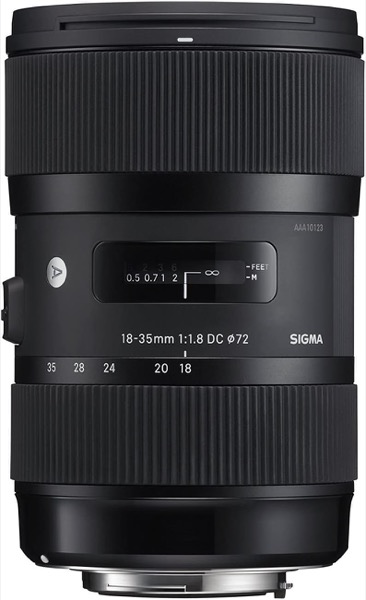
Sigma 18-35mm F1.8 DC HSM | Art
✓No lens stabilizationNo optical stabilizer. Disable in-body stabilization separately.
iZoom: calibrate for each focal lengthZoom lenses are compatible. With the current workflow, calibrate separately for each focal length you want to use, then keep that focal length throughout the take. Do not zoom while recording. A zoom lock is not required.
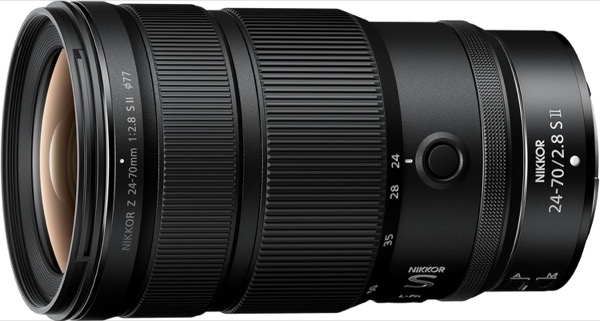
NIKKOR Z 24-70mm f/2.8 S II
✓No lens stabilizationNo VR in the lens. Disable in-body VR separately.
iZoom: calibrate for each focal lengthZoom lenses are compatible. With the current workflow, calibrate separately for each focal length you want to use, then keep that focal length throughout the take. Do not zoom while recording. A zoom lock is not required.
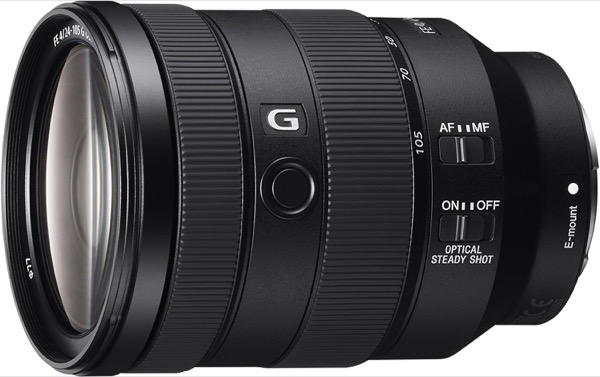
Sony FE 24-105mm F4 G OSS
✓Lens stabilization can be disabledSet the OPTICAL STEADY SHOT switch on the lens to OFF.
iZoom: calibrate for each focal lengthZoom lenses are compatible. With the current workflow, calibrate separately for each focal length you want to use, then keep that focal length throughout the take. Do not zoom while recording. A zoom lock is not required.
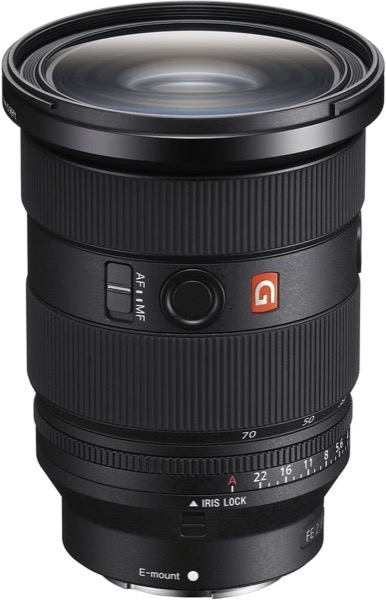
Sony FE 24-70mm F2.8 GM II
✓No lens stabilizationNo Optical SteadyShot. Disable in-body stabilization separately.
iZoom: calibrate for each focal lengthZoom lenses are compatible. With the current workflow, calibrate separately for each focal length you want to use, then keep that focal length throughout the take. Do not zoom while recording. A zoom lock is not required.
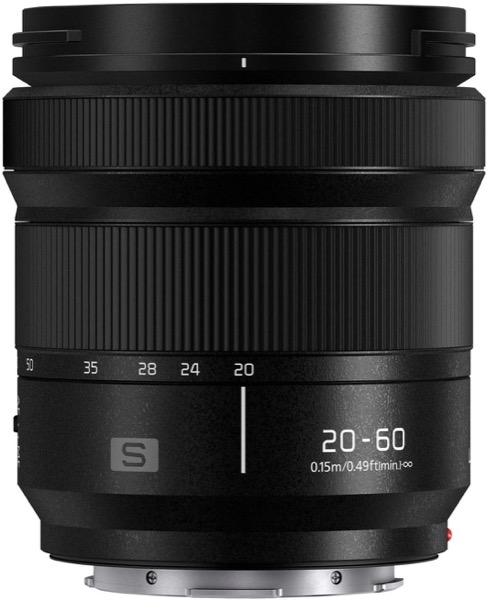
Panasonic LUMIX S 20-60mm F3.5-5.6
✓No lens stabilizationNo optical stabilizer. Disable in-body stabilization separately.
iZoom: calibrate for each focal lengthZoom lenses are compatible. With the current workflow, calibrate separately for each focal length you want to use, then keep that focal length throughout the take. Do not zoom while recording. A zoom lock is not required.
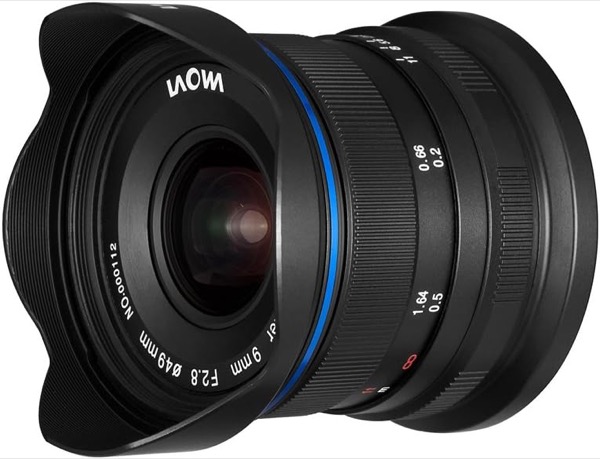
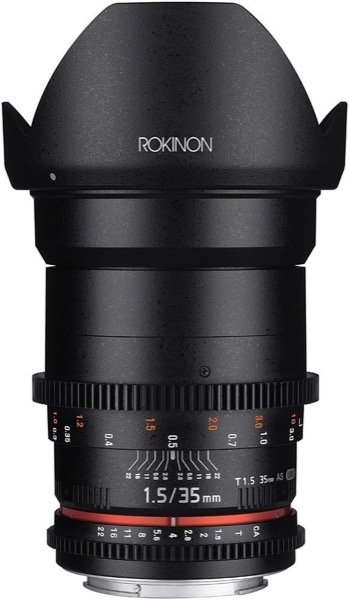
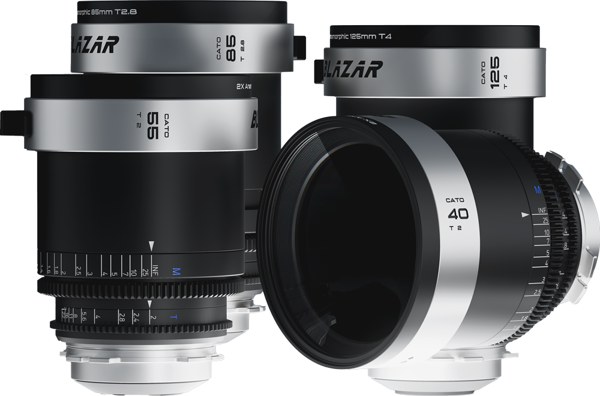
Blazar Cato 2x anamorphic
AmazonUSFRJP
✓No lens stabilizationManual anamorphic primes with no optical stabilizer.
✓Fixed focal lengthPrime lens: the focal length cannot change during the shot.
Some links may be affiliate links. If you purchase through them, we may earn a commission that supports Omniscient.
See Camera Body Guide for the rest of the camera setup checklist.